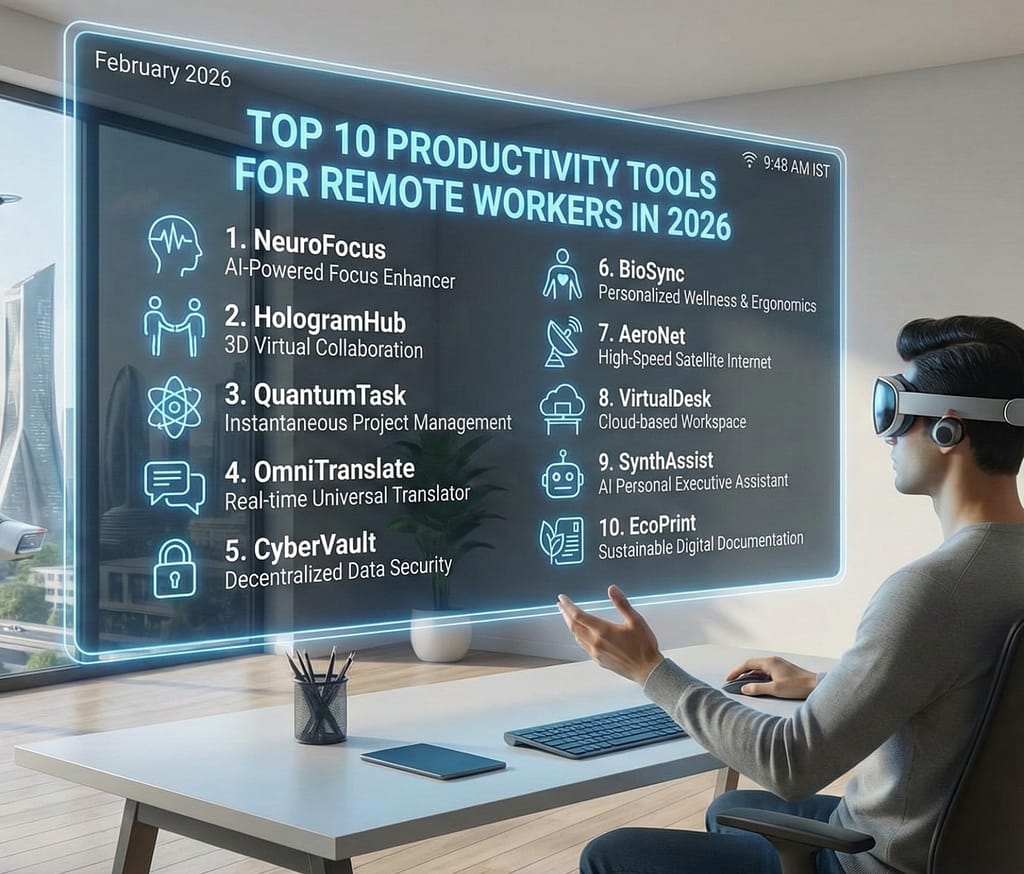

Remote work is no longer a temporary trend — it is a permanent part of the global workforce. In 2026, companies across industries operate in distributed teams, freelancers work across time zones, and digital collaboration defines modern productivity.
However, remote work comes with challenges:
- Communication gaps
- Task mismanagement
- Time tracking issues
- Distractions at home
- Lack of team coordination
The right productivity tools for remote workers help solve these problems by improving communication, task management, collaboration, automation, and performance tracking.
This comprehensive guide explores the Top 10 Productivity Tools for Remote Workers in 2026, including features, best use cases, and comparison insights.
Why Productivity Tools Matter in Remote Work
Remote teams rely on:
- Clear communication
- Transparent workflows
- Shared documentation
- Task accountability
- Performance monitoring
Without proper tools, remote teams lose efficiency.
Categories of Productivity Tools
To make this guide practical, tools are grouped into:
- Project Management Tools
- Communication Tools
- Time Management Tools
- File Collaboration Tools
- Focus & Automation Tools
1. Notion
Category: All-in-One Workspace
Notion is one of the most versatile productivity tools for remote workers.
Best For:
- Task management
- Documentation
- Team wikis
- Knowledge databases
Key Features:
- Custom dashboards
- Team collaboration pages
- AI writing assistant
- Workflow automation
| Feature | Benefit |
|---|---|
| Shared Workspaces | Centralized information |
| Database Views | Flexible task tracking |
| AI Assistance | Faster documentation |
Notion replaces multiple tools in one interface.
2. Slack
Category: Team Communication
Slack is widely used for real-time messaging.
Best For:
- Team chat
- Channel-based communication
- File sharing
- Integrations
| Feature | Productivity Impact |
|---|---|
| Channels | Organized communication |
| App Integrations | Workflow automation |
| Voice & Video | Instant meetings |
Slack reduces email overload.
3. Trello
Category: Task Management
Trello uses visual boards for task tracking.
Best For:
- Small teams
- Freelancers
- Visual planners
| Feature | Benefit |
|---|---|
| Kanban Boards | Clear workflow |
| Drag-and-Drop Tasks | Easy updates |
| Deadline Reminders | Time management |
Simple and intuitive.
4. Asana
Category: Advanced Project Management
Asana is ideal for structured workflows.
Key Strengths:
- Timeline view
- Team accountability
- Goal tracking
- Task dependencies
Asana works well for larger remote teams.
5. Zoom
Category: Video Meetings
Zoom remains essential for:
- Virtual meetings
- Webinars
- Client presentations
- Screen sharing
| Feature | Use Case |
|---|---|
| HD Video | Professional meetings |
| Screen Share | Collaboration |
| Recording | Documentation |
6. Google Workspace
Category: File Collaboration
Google Workspace includes:
- Docs
- Sheets
- Slides
- Drive
Benefits:
- Real-time editing
- Cloud storage
- Cross-device access
Perfect for collaborative document work.
7. Clockify
Category: Time Management
Clockify helps remote workers:
- Track billable hours
- Monitor productivity
- Generate reports
Time tracking improves accountability.
8. Todoist
Category: Personal Productivity
Todoist is ideal for:
- Daily planning
- Personal task lists
- Goal tracking
Minimal design with strong functionality.
9. Microsoft Teams
Category: Integrated Collaboration
Microsoft Teams combines:
- Messaging
- Video calls
- File sharing
- Calendar integration
Best for organizations using Microsoft ecosystem.
10. ClickUp
Category: All-in-One Productivity
ClickUp offers:
- Task tracking
- Time management
- Goal setting
- Automation tools
Highly customizable.
Comparison Table: Top Productivity Tools 2026
| Tool | Best For | Ideal Team Size | Free Plan Available |
|---|---|---|---|
| Notion | All-in-one workspace | Small to Medium | Yes |
| Slack | Communication | All sizes | Yes |
| Trello | Visual tasks | Small teams | Yes |
| Asana | Structured projects | Medium to Large | Limited |
| Zoom | Video meetings | All sizes | Limited |
| Google Workspace | Document collaboration | All sizes | Limited |
| Clockify | Time tracking | Freelancers & Teams | Yes |
| Todoist | Personal planning | Individuals | Yes |
| Microsoft Teams | Enterprise collaboration | Medium to Large | Yes |
| ClickUp | Workflow management | All sizes | Yes |
Key Productivity Challenges Remote Workers Face
| Challenge | Tool Solution |
|---|---|
| Distractions | Time tracking apps |
| Poor Communication | Slack / Teams |
| Task Confusion | Trello / Asana |
| Meeting Overload | Structured scheduling |
| File Mismanagement | Cloud storage systems |
The right combination of tools creates a structured remote environment.
How to Choose the Right Productivity Tool
Consider:
- Team size
- Budget
- Workflow complexity
- Required integrations
- Communication needs
Many teams combine multiple tools.
Benefits of Using Productivity Tools
- Improved accountability
- Clear task ownership
- Reduced communication gaps
- Faster decision-making
- Enhanced transparency
Structured systems increase efficiency.
Future of Productivity Tools in 2026 and Beyond
Emerging trends include:
- AI-powered task suggestions
- Automated meeting summaries
- Smart workload balancing
- Cross-platform workflow automation
AI integration will further optimize remote work.
Final Conclusion
The Top Productivity Tools for Remote Workers in 2026 help professionals manage communication, track tasks, collaborate on documents, and maintain accountability in distributed environments. Tools like Notion, Slack, Trello, and ClickUp enable structured workflows, while Zoom and Google Workspace support collaboration.
Remote productivity depends not just on discipline but on the right digital infrastructure. Choosing the correct tools can significantly improve efficiency, reduce stress, and enhance team performance.
For Digital Technologia, this topic attracts professionals, entrepreneurs, freelancers, and remote teams — making it highly valuable for traffic growth and monetization.