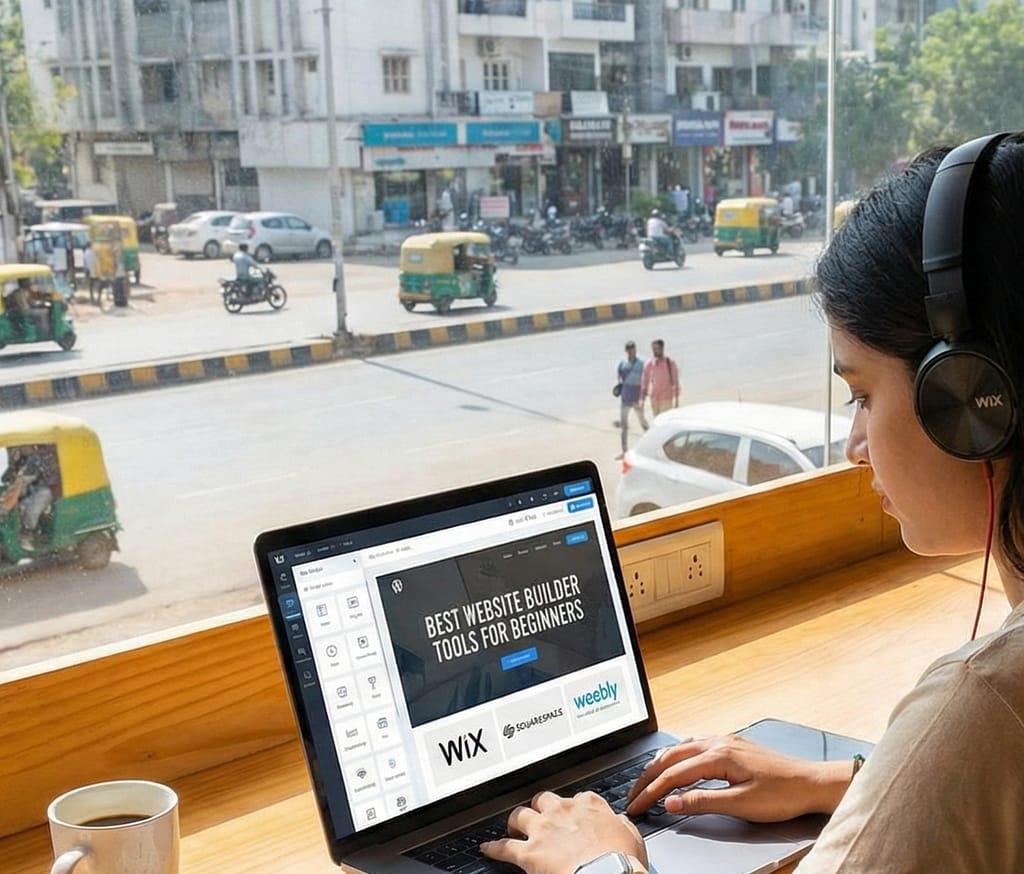

Building a website in 2026 no longer requires advanced coding knowledge. Thanks to modern website builder platforms, beginners can now create professional websites, blogs, online stores, and business portfolios without writing a single line of code.
The Best Website Builder Tools for Beginners combine ease of use, drag-and-drop functionality, templates, hosting integration, SEO tools, and AI-powered design assistance.
Whether you want to create a blog, portfolio, company website, or online store, this guide will help you choose the right platform.
Why Website Builders Are Popular in 2026
Traditional website development required:
- HTML & CSS knowledge
- Hosting configuration
- Domain setup
- Server management
Now website builders offer:
- Drag-and-drop editors
- Pre-built templates
- Built-in hosting
- Automatic updates
- AI design tools
This reduces technical barriers.
What Beginners Should Look For
Before choosing a website builder, consider:
| Feature | Why It Matters |
|---|---|
| Ease of Use | Beginner-friendly interface |
| Templates | Ready-made design layouts |
| SEO Tools | Helps rank on Google |
| Mobile Optimization | Works on smartphones |
| E-commerce Support | Sell products online |
| Customer Support | Help when stuck |
| Pricing | Budget-friendly plans |
1. Wix
Best For: Complete Beginners
Wix is one of the easiest website builders available.
Key Features:
- Drag-and-drop editor
- AI website generator
- Hundreds of templates
- App marketplace
Why Beginners Love It:
- No coding required
- Easy customization
- Visual editing system
Wix Pros & Cons
| Pros | Cons |
|---|---|
| Very easy to use | Limited flexibility for advanced users |
| Built-in hosting | Paid plans required for full features |
| Large template library | Can feel overwhelming |
Wix is ideal for personal blogs and small business websites.
2. WordPress (WordPress.com)
Best For: Blogging Beginners
WordPress powers a large portion of the internet.
Key Features:
- Customizable themes
- Plugin ecosystem
- Strong SEO support
- Blogging tools
Why It’s Popular:
- Scalable
- SEO-friendly
- Community support
Comparison Table
| Feature | WordPress.com |
|---|---|
| Blogging Tools | Excellent |
| Customization | High |
| Learning Curve | Moderate |
| Free Plan | Available |
Great for long-term blogging.
3. Shopify
Best For: Online Stores
Shopify is ideal for beginners wanting to sell products online.
Features:
- Product management
- Secure payment integration
- Inventory tracking
- Mobile optimization
E-commerce Comparison
| Feature | Shopify |
|---|---|
| Payment Gateway | Built-in |
| Product Management | Advanced |
| Security | High |
| Ease of Setup | Beginner-friendly |
Perfect for small businesses and startups.
4. Squarespace
Best For: Creative Professionals
Squarespace offers modern design templates.
Strengths:
- Elegant design
- Portfolio-focused templates
- Blogging tools
- Integrated analytics
Ideal for photographers, designers, and agencies.
5. Weebly
Best For: Simplicity
Weebly offers:
- Basic drag-and-drop editing
- Free plan options
- Small store support
Best for simple websites.
6. Hostinger Website Builder
Hostinger provides an affordable AI-powered builder.
Key Benefits:
- Budget-friendly pricing
- AI website generator
- Fast hosting
Good for beginners with limited budgets.
7. GoDaddy Website Builder
GoDaddy offers quick setup.
Features:
- Fast deployment
- Built-in marketing tools
- Simple dashboard
Suitable for small local businesses.
8. Webflow
Best For: Advanced Beginners
Webflow offers more design flexibility.
Strengths:
- Visual design control
- Clean code export
- Professional-level customization
Learning curve is higher.
Comparison Table: Best Website Builders 2026
| Platform | Ease of Use | Best For | Free Plan | SEO Support |
|---|---|---|---|---|
| Wix | Very Easy | Beginners | Yes | Good |
| WordPress.com | Moderate | Bloggers | Yes | Excellent |
| Shopify | Easy | Online Stores | No | Strong |
| Squarespace | Easy | Creatives | No | Good |
| Weebly | Very Easy | Simple Sites | Yes | Basic |
| Hostinger | Easy | Budget Users | No | Good |
| GoDaddy | Very Easy | Small Business | No | Basic |
| Webflow | Moderate | Designers | Limited | Strong |
Website Builder vs Traditional Coding
| Factor | Website Builder | Traditional Coding |
|---|---|---|
| Setup Time | Fast | Slow |
| Technical Skill | Low | High |
| Customization | Moderate | Unlimited |
| Maintenance | Automated | Manual |
Beginners should choose builders first.
Cost Comparison Overview
| Platform | Starting Price Range |
|---|---|
| Wix | Low to Medium |
| WordPress | Free to Medium |
| Shopify | Medium |
| Squarespace | Medium |
| Hostinger | Low |
Budget plays a key role.
SEO and Performance Considerations
Important SEO features include:
- Custom meta tags
- Fast loading speed
- Mobile responsiveness
- Clean URLs
- SSL security
WordPress and Webflow offer stronger SEO flexibility.
AI Features in Website Builders (2026 Trend)
Modern builders include:
- AI layout generation
- AI content writing
- Auto color matching
- Logo generation
- SEO suggestions
AI makes design faster.
Which Website Builder Should You Choose?
For Blogging:
→ WordPress
For E-commerce:
→ Shopify
For Complete Beginners:
→ Wix
For Budget Users:
→ Hostinger
For Designers:
→ Webflow or Squarespace
Common Beginner Mistakes
- Choosing the wrong platform
- Ignoring SEO settings
- Using too many plugins
- Not optimizing images
- Skipping mobile testing
Planning matters.
Future of Website Builders
By 2027 and beyond, we may see:
- Fully AI-generated websites
- Voice-controlled editing
- Real-time SEO automation
- Automated content updates
Website creation will become even simpler.
Final Conclusion
The Best Website Builder Tools for Beginners in 2026 make website creation accessible to everyone. Platforms like Wix, WordPress, Shopify, and Squarespace allow users to launch professional websites without coding skills.
Choosing the right builder depends on your goals — blogging, e-commerce, portfolio, or business presence. Beginners should prioritize ease of use, SEO support, pricing, and scalability.
With AI integration and drag-and-drop systems, website builders are empowering millions to build their digital presence effortlessly.
For Digital Technologia, this topic attracts entrepreneurs, bloggers, students, and small business owners — making it highly monetizable and SEO-rich.